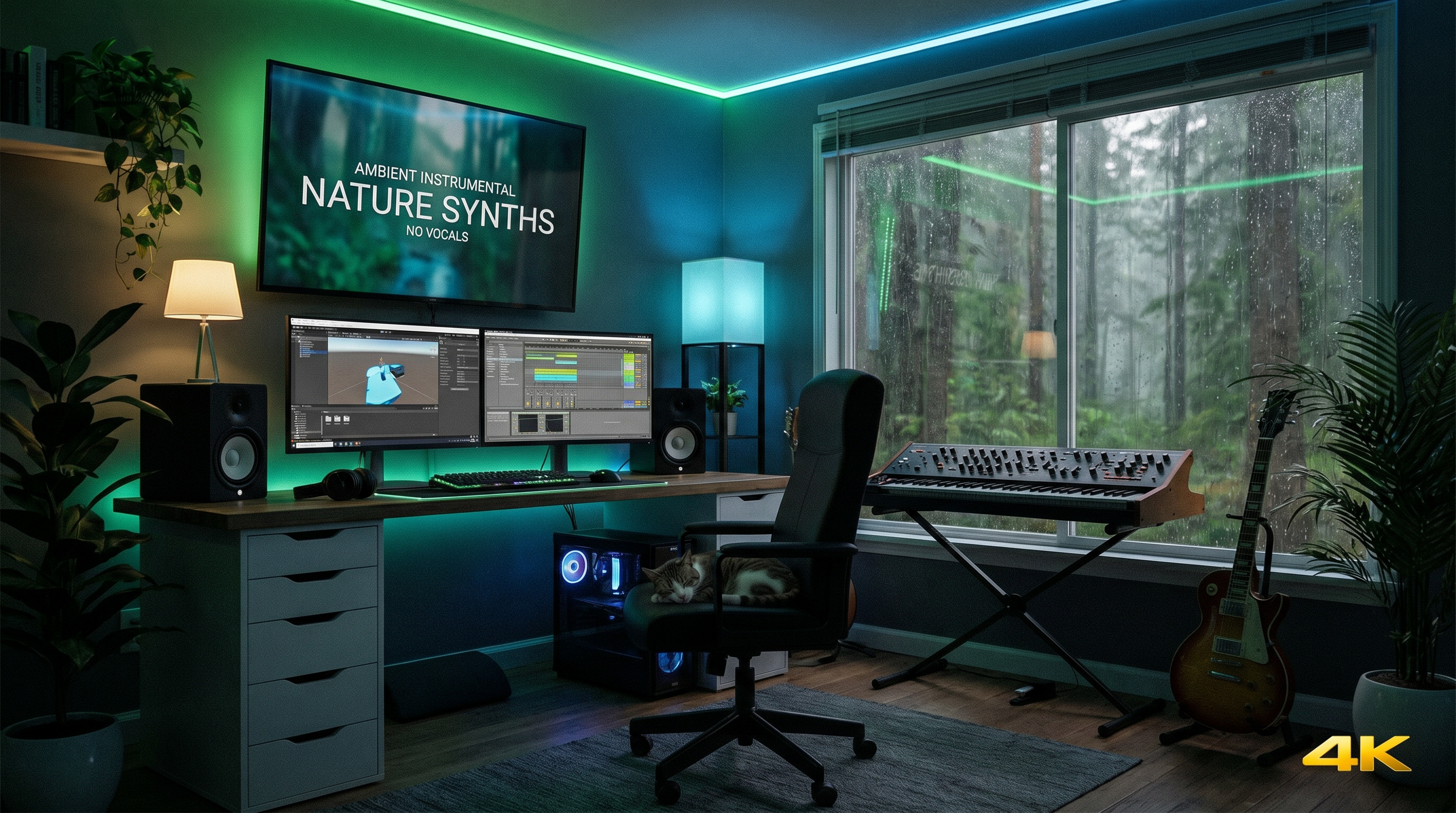
Instrumentals carry tutorials, study streams, indie puzzle games, meditation apps, corporate explainers, and hold queues—anywhere vocals fight narration or cognitive load. AI generators excel here because you steer texture and density without wrestling lyric timing conflicts against VO sentences.
Why instrumental prompts differ from vocal tracks Without verses anchoring pace, arrangements wander faster—explicit tempo, meter, and energy arc tags matter more. Say whether you want perpetual evolution ("slow morphing pads") or hypnotic loop stability ("minimal harmonic motion 16-bar cycle"). Mention vocal absence outright ("instrumental only," "no lead melody competing with VO") when your tool honors those cues.
Genre shortcuts that sit behind speech
Ambient and cinematic pads Wide stereo beds that sit gracefully beneath narration after gentle EQ—not every ambient wash suits dense VO; carve lightly around spoken fundamentals if needed.
Lo-fi and chillhop Vinyl texture hides repetition across long study streams—dense narration sometimes clashes with noisy textures; switch to cleaner lo-fi if consonants disappear behind hiss.
Minimal techno pulses Stable grids anchor productivity montages without harmonic clutter stepping on punchlines.
Orchestral underscores Emotional swells for story beats—keep dynamics gradual unless your edit intentionally slams transitions.
Dynamics and perceived loudness Background beds shouldn't fatigue listeners across thirty-minute tutorials. Mentally separate spectral clutter (too much midrange synth buzz over voices) from raw loudness. When regeneration isn't instant, gentle EQ cuts around VO fundamentals help—but fixing arrangement density upstream saves post time.
Loop-friendly composition markers Flag predictable phrase lengths ("64-bar arc," "two-bar perc loop foundation"). Flag transitions sparingly if editors stitch seamless repeats—dramatic breakdowns delight trailers but frustrate endless-loop UX patterns unless intentional.
Consistency across serialized content Establish two or three sonic palettes per channel season—shared percussion samples implied via repeated descriptors ("same muted rimshots")—so subscribers subconsciously recognize brand continuity even when melodies vary episode-to episode.
Games and interactive contexts Interactive titles demand modular stems ideally—AI outputs won't magically split stems unless your pipeline exports separately—still, tighter harmonic simplicity yields cleaner layering when programmers overlap channels.
AAiMusic-specific workflow Describe scenes visually ("neon drizzle alley chase") plus mechanics ("loop-friendly tension build"). Pair instrumental moods with AI cover art generations when HUD thumbnails need tonal coherence.
Aria can propose descriptive lyric-free narratives ("instrumental bridge imagery") even when final audio stays instrumental—sometimes textual metaphor clarifies mood words you'd struggle to invent cold.
SEO and discovery angles audiences actually search Queries include "AI instrumental music generator," "AI music for YouTube background," "non copyrighted instrumental beats AI." Publishing genuinely distinctive instrumental identities beats dumping anonymous beds—signal originality through variation batches tagged consistently.
Pitfalls Over-tagging dozens of adjectives—models blur priorities. Ignoring edit pacing—two-minute ambient drones choke Shorts formats. Assuming every instrumental suits spoken word—bright tambourine-forward grooves distract even without vocals.
Instrumentals reward patience: iterate fewer radical prompts more intentionally rather than generating fifty chaotic extremes you'll never classify.
AAiMusic · Your imagination, your music
Keep reading
Related guides
 Industry & creators
3 min
AI Music for Indie Artists: Level the Playing Field
Why indie artists are turning to AI music—demos, full releases, and creative freedom without a big budget.
Read → Industry & creators
4 min
AI Music for Content Creators: TikTok, YouTube, Podcasts, and More
How creators use AI-generated music for Shorts, Reels, podcasts, and streams—workflow tips, quality checks, and why original AI tracks beat risky copyrighted clips.
Read → Industry & creators
3 min
Share Your AAiMusic Tracks: Listen Pages, Privacy, and Dual Takes
How AAiMusic public listen links work: polished share pages with waveform and credits, private vs link sharing, and choosing Take A or Take B for what listeners hear.
Read →