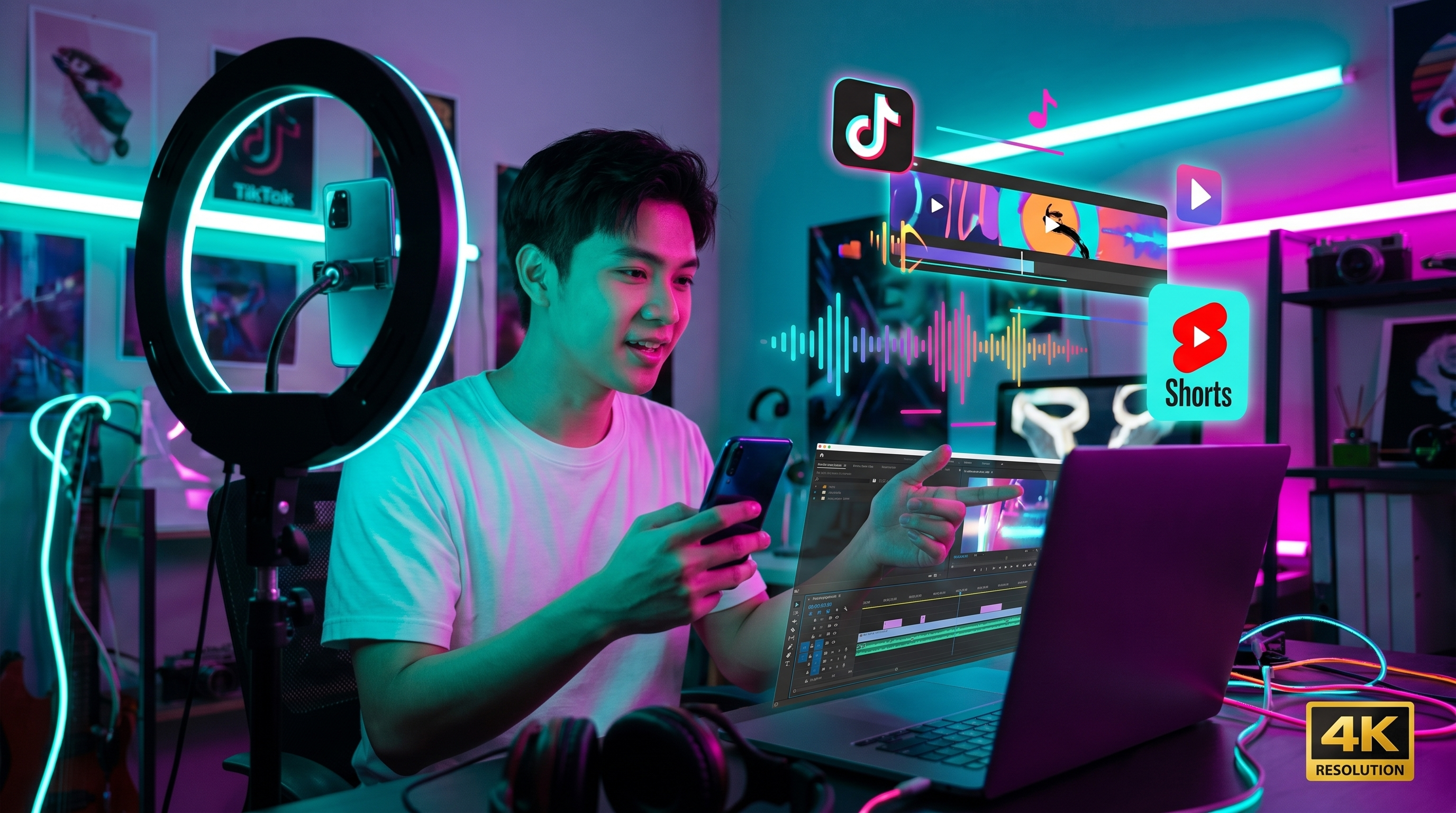
Content creators need music constantly—for TikTok and Instagram Reels, YouTube Shorts and long-form explainers, podcast intros and outros, Twitch overlays, and brand campaigns. AI music generation makes it possible to ship original tracks that match your niche without recycling the same royalty-free loop everyone else downloaded—or risking claims from dropping unlicensed chart clips into an edit.
When your posting schedule outruns licensing
You need music for TikTok and Instagram Reels, YouTube Shorts and long-form explainers, podcast intros and outros, Twitch overlays, and brand campaigns — often this week, not after a licensing cycle. AI music lets you ship original tracks that match your niche without recycling the same royalty-free loop everyone else downloaded — or risking claims from unlicensed chart clips in an edit.
Tell Aria the vibe you need — wedding recap energy, World Cup hype, graduation montage swell — generate, and iterate until it clicks with your edit. You stay on-brand because you directed the moment; Aria and the model handle lyrics, tags, and production.
Copyright reality on social platforms Platforms scan uploads for recognizable recordings. Even short snippets can trigger strikes if they're identifiable hits—not worth gambling when AI can produce a substitute mood in minutes. Original AI output from a reputable generator (following their terms of service for commercial use) fits many creator workflows better than gray-market remixes. Always read your provider's policy for YouTube monetization, Meta ads, and cross-posting.
Quality checks before you publish Listen on car speakers, earbuds, and phone mono: mixing quirks show up differently on each. For lyrical tracks, vocals should stay intelligible when ducking under voice-over in Resolve or Premiere. For instrumental beds under narration, ride EQ mentally—is there mud competing with speech around 200–400 Hz? If yes, regenerate with tags like "sparse arrangement," "minimal low mids," or try an instrumental-only prompt.
Short-form vertical video rewards instant hooks. Trim intros if beat one matters at second zero. Long-form YouTube might tolerate a soft fade-in—Shorts often don't. Generate alternates and keep two winners labeled "Fast Hook v1" and "Warm Build v1" so your editor can swap without returning to the generator mid-session.
Workflow by format For podcasts, you'll repeat intros across dozens of episodes: generate one strong instrumental theme and duplicate variations with subtle mood tags ("same theme, slightly brighter bridge") so seasons feel cohesive. For livestreams, loop-friendly sections beat chaotic bridges unless that's your brand—tag steady tempo and minimal harmonic surprises.
For client work, save stems where your platform allows and archive project notes (tags used, BPM ranges). Clients churn; your catalog shouldn't—named generations save hours later.
Batching and organization Create music in batches when you're scripting multiple videos for the week. AAiMusic keeps generations in your library—title tracks by series ("Wedding Highlights Reel," "Team Launch Hype") so you're not guessing which vibe belongs where. If one edit runs long, duplicate generation requests with +10 BPM or +5% intensity tags rather than stretching audio destructively in post.
AAiMusic fits creator workflows AAiMusic pairs chat-first creation with full mixes and cover art in one journey. Aria helps refine lyrics and ideas quickly when you're under deadline — synced straight to generate, no paste step.
When a song deserves life beyond a TikTok cut—fans asking "where's the full track?"—flip your AAiMusic track to a public listen link. Visitors land on a polished share page with waveform and credits (see our dedicated article on listen pages). That's cleaner than DMing a file attachment that expires or breaks on mobile.
Common mistakes Skipping reference listening across devices. Ignoring voice-over clearance between vocals and speech (duck music or choose instrumental). Using twenty slightly different tags at once—start simple (genre + mood + BPM), then layer refinements. Forgetting to export or save the winning take before iterating—you'll rarely recover the exact seed combination weeks later.
Mindset AI music amplifies taste; it doesn't invent identity. Your niche—humor, education, ASMR, fitness—is still the draw. Music should elevate that promise without distracting from it. Stay intentional: generate fast, curate ruthlessly, ship confidently.
AAiMusic · Your imagination, your music
Keep reading
Related guides
 Industry & creators
3 min
AI Music for Indie Artists: Level the Playing Field
Why indie artists are turning to AI music—demos, full releases, and creative freedom without a big budget.
Read → Industry & creators
3 min
AI Instrumentals: Background Music for Videos, Streams, and Projects
Create royalty-friendly instrumental beds with AI—tempo, mood, and genre tags that work for tutorials, games, and ambient content without vocals.
Read → Industry & creators
3 min
Share Your AAiMusic Tracks: Listen Pages, Privacy, and Dual Takes
How AAiMusic public listen links work: polished share pages with waveform and credits, private vs link sharing, and choosing Take A or Take B for what listeners hear.
Read →