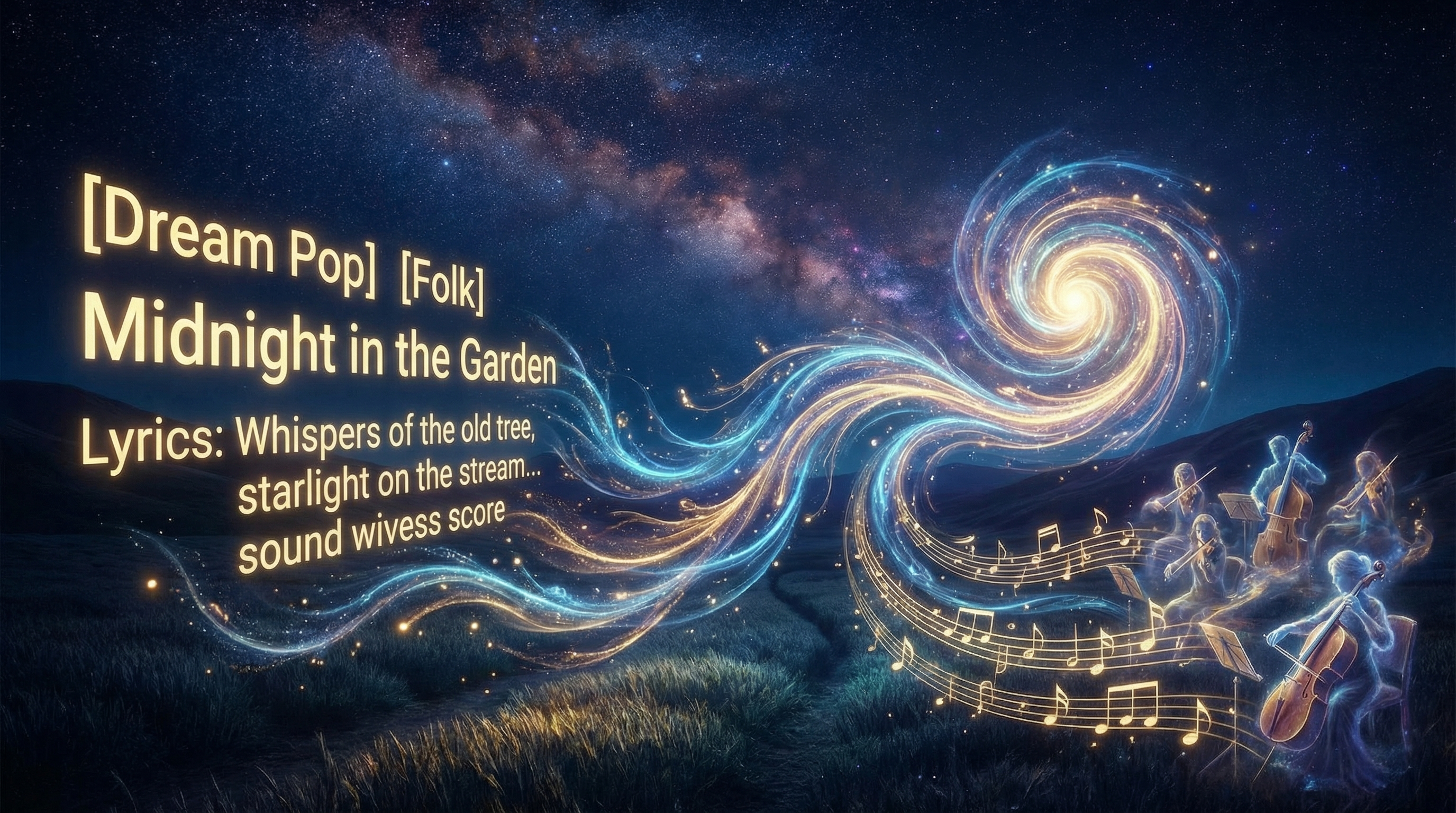
Music generation
Getting great results from AI music generation comes down to clear lyrics structure and strong style tags. This guide explains how to use both.
Lyrics structure Use section markers so the AI knows where verses and choruses go: [Verse], [Chorus], [Bridge], and optionally [Pre-Chorus], [Outro], [Intro]. Consistent structure helps the AI place vocals and instruments in the right places and avoid awkward transitions.
Line length and phrasing Similar line lengths within a section often lead to more natural melodies. If one verse has very long lines and the next has short ones, the feel can shift in a way you didn’t intend. A little balance goes a long way.
Style tags After your lyrics (or in the separate style field), describe the sound. Include genre (pop, rock, R&B, indie, electronic, acoustic), mood (upbeat, melancholic, energetic, chill), and tempo if you care about it (e.g. 120bpm). You can add “female vocals,” “male vocals,” “acoustic,” “synth-heavy,” or other cues. The more precise you are, the closer the output will match your vision.
Generation time Most full-song generations finish in one to three minutes. You can stay on the page or come back; the track is saved to your Library when it’s done. If something’s off, tweak a line or a tag and generate again—small changes can make a big difference.
Tips Use Aria to brainstorm or refine lyrics before you generate. Try a few different style tag combinations to hear how they change the feel. And check the Cover art guide to add artwork to your track.