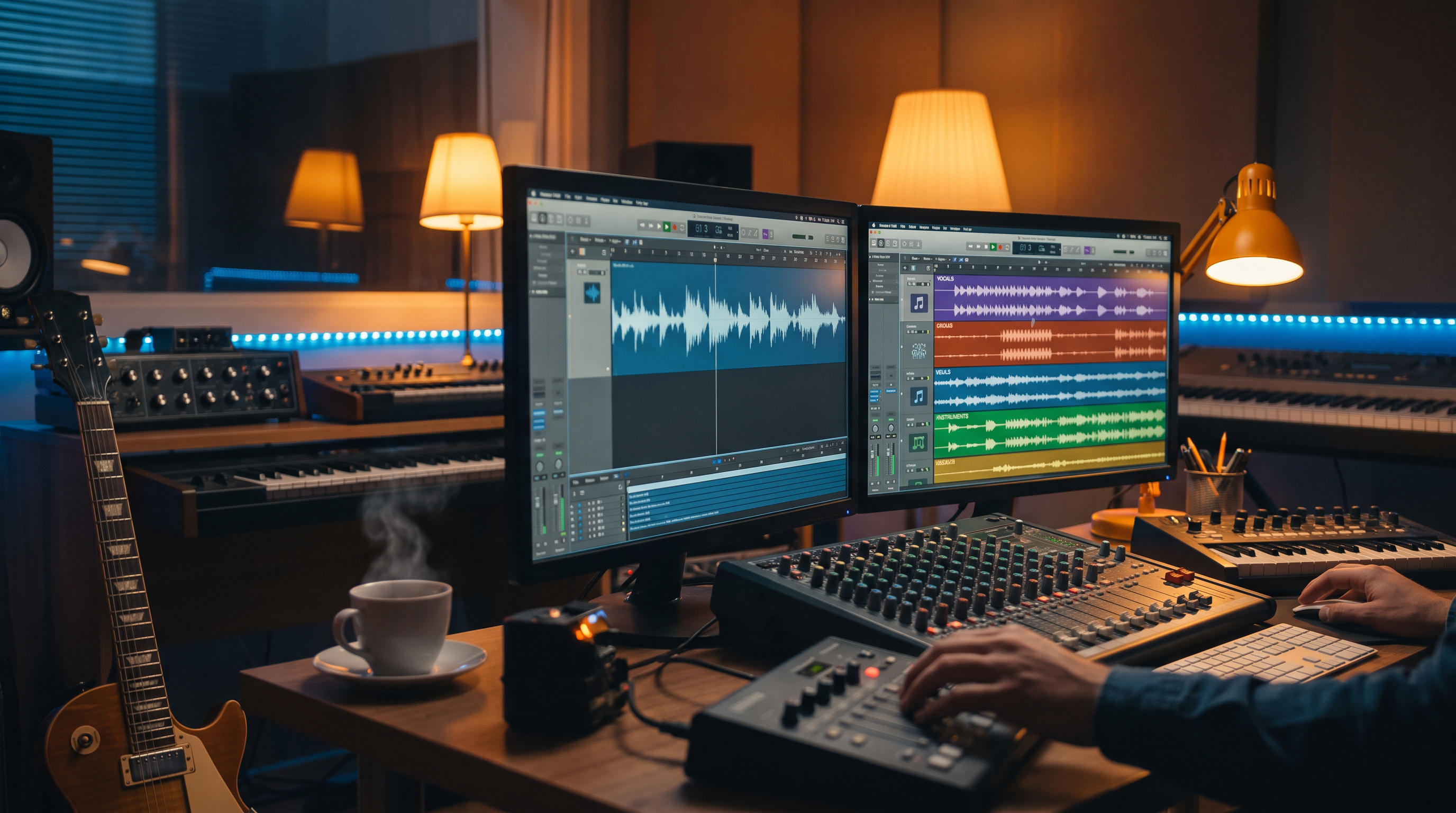
Every producer knows the fantasy: isolate the vocal, pull the drums, mute the bass, rebuild the drop. You don't need to be a producer to feel the need — maybe you made the perfect track but your podcast needs the voice gone. Maybe you want to duet over the instrumental. Maybe a client asked for "the same song without vocals" and you don't have a studio budget this week.
AAiMusic Studio gives you two stem tools — Split stems (Pro) and Full stems (Premier) — built for tracks you generated with Aria or finished in Studio. Not abstract demos. Real separations saved to your Library, ready for remixes, mashups, karaoke beds, podcast unders, and DAW export.
What's the difference? Pick the right tool first try.
Split stems (Pro tier) — Clean vocals vs instrumental separation. Two files. Fast. Perfect when you need an acapella, an instrumental for voice-over, a karaoke version, or a DJ intro bed without the lead vocal. Think: "I love this hook but need the voice gone for a trailer."
Full stems (Premier plan) — Pro-grade multi-stem separation — vocals, drums, bass, and additional musical elements split into separate assets. Think: "I'm rebuilding the arrangement in Ableton" or "I need granular control for a remix pack."
Both tools start from your Library or an upload. Both cost one song credit per run. Both save outputs you can actually use — not expiring links.
When you need more than one mix from the same song
AI-generated songs arrive as stereo masters. That's great for streaming — until you need flexibility. Maybe the vocal is perfect but you want a sparser drum mix for TikTok. Maybe the instrumental slaps but you'd duet over it manually. Maybe you need three mix variants from one generation for a client reel. Stems turn a finished AI track into raw material — the same way traditional producers treat session exports.
Without stems, you're stuck re-generating and hoping the model lands the same vibe twice. With stems, you surgical-edit what already worked.
Split stems — workflows that pay for themselves
Podcast and YouTube beds. Generate with Aria, split instrumental, duck under narration in Premiere or DaVinci. Midrange space matters — instrumentals often sit cleaner under voice-over than full masters.
Karaoke and lyric videos. Vocal stem for timing reference; instrumental for the backing track. Pair with Visual Studio motion or external editors.
Quick acapella exports. Send vocals to a collaborator, remix competition, or social snippet where the voice leads.
A/B for sync pitches. Instrumental for picture; full mix for the emotional peak — same song, two presentations.
How to run Split stems
Studio → Split stems → pick Library track or upload → Generate. Wait for separation (full-screen session). Download or use stems from Library. Listen for artifacts — AI separation isn't magic on every dense mix; bright synths and doubled vocals can leave ghosting. When artifacts appear, try Full stems on Premier or Reimagine a sparser arrangement first.
Full stems — when two tracks aren't enough
Full stems unlock when you're serious about remix architecture. Separate drums for a breakbeat rebuild. Bass for sidechain experiments. Vocals for harmony stacking in a DAW. Producers treating AI music like sample fodder — legally from their own generations — want this depth.
Full stems vs Split stems — honest comparison
Split stems: faster mental model, Pro-accessible, best for vocal/instrumental duality. Full stems: more lanes, Premier plan, best for multi-track production and remix packs. If you're on Pro and only need karaoke/instrumental, Split stems is the move. If you're shipping remixes to Beatport-style audiences or doing client work with stem delivery, Full stems earns its tier.
Quality and limitations — read this before you remix
AI separation quality depends on source mix density. Heavily compressed EDM, choir stacks, and bleeding reverb challenge any separator. Tips: generate with clearer arrangements when you know you'll stem later; avoid mud in tags ("sparse," "dry vocals," "minimal layers"). Separate before heavy limiting if you process externally. Always AB against the original — phase issues on drums happen; nudge in your DAW.
Legal and practical note
You're separating your own AAiMusic-generated tracks under your plan's commercial terms — not ripping stems from commercial releases. Keep project notes for client folders. Stems from your catalog are powerful; stems from someone else's master without clearance is still off limits.
Combine stems with other Studio tools
Aria → full song → Split stems → instrumental under podcast → Language swap vocal version for another market → Duet on the acapella for social. The Studio stack compounds when you treat outputs as nodes in a graph, not one-off files.
What it feels like when it works
Stem separation used to mean specialist tools and specialist budgets. Now it's a button on the same platform where you wrote the song with Aria ten minutes ago. You generate, split, rebuild — and the only limit is taste. Open the Studio hub, pick a track you're proud of, and split it once. Hear your own song deconstructed. That's when the potential clicks.
AAiMusic · Your imagination, your music
Keep reading
Related guides
 Studio tools
4 min
AAiMusic Studio Guide: All 8 Pro Tools — Voice, Stems, Duet & Language Swap
Complete guide to every AAiMusic Studio tool — Voice, Extend, Reimagine, Split & Full stems, Duet, Language swap, and Virtual singers. Tier access and how Studio helps you finish your music.
Read → Studio tools
6 min
Use Your Voice to Sing: AI Voice to Song Generator — Hum to Full Track
Use your voice to sing AI music — record a hum, whistle, or vocal and get a full studio song. Voice to song AI, sing your melody, voice recording to track. Complete Voice → Song guide for AAiMusic Studio.
Read → Studio tools
5 min
Extend & Reimagine AI Tracks: Lengthen and Remix Your Library
Extend songs from your Library or reimagine them with new genre, voice, duet, or mood. Workflow tips for Pro creators using AAiMusic Studio.
Read →