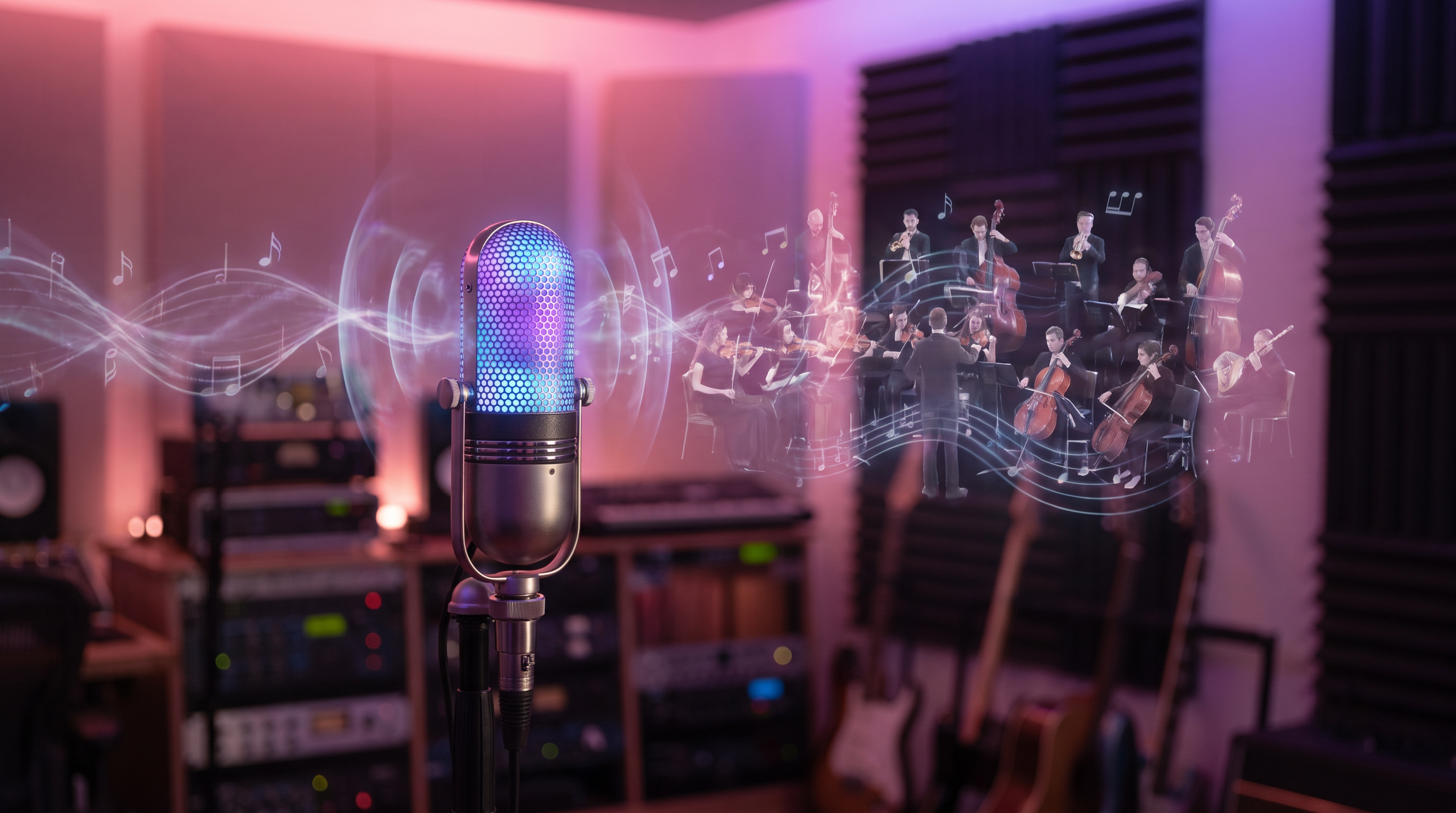
You hum a hook in the shower. You record eight bars into your phone after the party. You whistle a melody on a walk and don't want it to die in your camera roll. Voice → Song is for that moment — your voice in, full song out.
Open Studio → Voice → Song, record or upload 15–60 seconds of humming, whistling, or singing. The engine builds drums, harmony, arrangement, and mix around your take. Lyrics optional. Style tags optional but powerful. One song credit on Pro or Premier. Result saved to your Library with cover art — ready to share, extend, reimagine, or Language swap later.
Sound familiar?
- You can sing the idea but can't produce the track
- You don't want to learn a DAW before hearing if the hook works
- You want your hum to become something you'd actually post tonight
Voice → Song meets you where creativity starts — in your body, in your voice — not in a blank lyrics doc.
What Voice → Song is (and isn't)
It is not a replacement for Aria's lyric-first workflow. Aria excels when you have words and structure and want a complete song from a prompt. Voice → Song excels when audio comes first — you already have a melodic idea in your voice and want the platform to infer genre, energy, and arrangement around it. Many creators use both in the same project: Aria for the lyric draft, Voice → Song when a hook arrives by accident.
It is also not "AI replaces your voice." The model uses your pitch and rhythm as the seed. You remain the author of the melody. The wow moment is hearing your hum become a production you'd actually post — not a robotic cover of a random song.
What to record — use your voice like an instrument
Fifteen to sixty seconds is the sweet spot — enough for the model to latch onto pitch and rhythm, not so long that arrangement choices get muddy. A hook, chorus fragment, or repeated melodic phrase works better than rambling improvisation. You do not need studio vocals; a clear phone recording beats a noisy "professional" take every time. Reduce background chatter, wind, and room echo if you can — but don't wait for perfect conditions. Imperfect hums often produce the most human-feeling results.
Try singing the same phrase twice with slightly different energy. Try humming without words when you're vibe-first. Try whistling if that's how the melody arrived. Voice-to-song AI works best when you give it one clear musical idea, not a podcast.
Lyrics: optional but powerful
Leave lyrics blank when you're exploring mood-first: the engine leans on your voice plus style tags to infer direction. That's ideal for instrumental-leaning beds, ambient pop, or beats where the melody carries the emotion. Add structured lyrics when you want specific words in the final track — use [Verse], [Chorus], and [Bridge] markers the same way you would for an Aria generation. Wrote the words with Aria first? Paste them in; Voice → Song respects the language you used, whether that's English, Spanish, Yoruba, or Hindi.
Style tags that actually steer output
Tags are your producer notes. Think in layers: genre (indie pop, reggaeton, Afro-fusion), mood (celebratory, romantic, hype), tempo hint (90 bpm, mid-tempo), vocal character (female lead, airy, raspy male). Example: "upbeat pop, party energy, 120 bpm, female vocals, singalong chorus" gives the model far more to work with than "good song." Pair tags with a working title so your Library stays searchable later.
Step-by-step: use your voice to sing your first AI track
Open Studio → Voice → Song while logged in (browse free; Generate on Pro/Premier). Tap record or upload a voice memo from your phone. Add optional tags and lyrics. Hit generate and let the full-screen session run — a few minutes is normal. When the result lands, you'll see cover art and audio on the result card, saved to your Library automatically. Listen on earbuds and phone speakers. If the energy is close but not exact, tweak one tag (tempo, vocal type, genre adjective) and run again rather than changing everything at once.
After generation — where voice-to-song fits your catalog
Your track lives in Library with cover art included. From there the Studio stack opens up: Extend if it's too short for Spotify, Reimagine for genre flips, Duet for two-voice social cuts, Language swap (Premier) if you want the same melody in Spanish or French, Split stems for podcast instrumentals. Voice → Song is often the first node in a graph — not the end.
Open Visual Studio if you want to replace or refine artwork, add motion, or build toward a music video on Premier plan. Share a listen link when you're ready for feedback.
Multilingual creators — sing in your language
Record your hum in any language; paste lyrics in that same language. The pipeline doesn't force you back to English for production. If your audience is in Lagos, Paris, São Paulo, or Mumbai, your voice-led song can match how they actually listen — not a translated afterthought. Pair with Language swap when you want the same hook in a second language without re-humming.
Voice → Song vs other tools — quick map
Aria — chat first when you have words or a story; best for writing from scratch on Create with Aria.
Voice → Song — your voice first; best for hums and melodic seeds.
Reimagine — same song, new voice/genre; best when you already have a full master.
Language swap — translate and re-sing; best for global versions after you have a winner.
Common mistakes (and easy fixes)
Recording under ten seconds — give the model a full phrase to anchor. Skipping both lyrics and tags — pick at least one steering signal. Starting a second job while the first is still running — wait for resume or completion to avoid duplicate credits. Expecting a polished master on take one — treat generation like a quick demo session; iteration is normal. Ignoring style tags because "the hum is enough" — tags are how you tell the engine whether this is folk, trap, or cinematic pop.
Who can use it
Voice → Song requires Pro or Premier. Free and Creator users can explore the full UI and upgrade when ready. Each run uses one song credit. If Music Studio is temporarily unavailable platform-wide, Aria and your existing tracks continue unaffected.
The wow — your voice, amplified
For most of history, if you could sing an idea but couldn't produce it, the idea died in your camera roll. Voice-to-song AI is the technology finally catching up to how creativity actually starts — in the body, in the voice, before the spreadsheet. Use your voice to sing. Let the studio build around you. Ship the track tonight.
AAiMusic · Your imagination, your music
Keep reading
Related guides
 Studio tools
4 min
AAiMusic Studio Guide: All 8 Pro Tools — Voice, Stems, Duet & Language Swap
Complete guide to every AAiMusic Studio tool — Voice, Extend, Reimagine, Split & Full stems, Duet, Language swap, and Virtual singers. Tier access and how Studio helps you finish your music.
Read → Studio tools
5 min
Extend & Reimagine AI Tracks: Lengthen and Remix Your Library
Extend songs from your Library or reimagine them with new genre, voice, duet, or mood. Workflow tips for Pro creators using AAiMusic Studio.
Read → Studio tools
4 min
AAiMusic Studio Pricing: Free Preview, Pro Tools & Studio Tier
Who gets Voice → Song, Extend, Reimagine, and Virtual singer — tier matrix, song credits, and why Aria stays available on every plan.
Read →