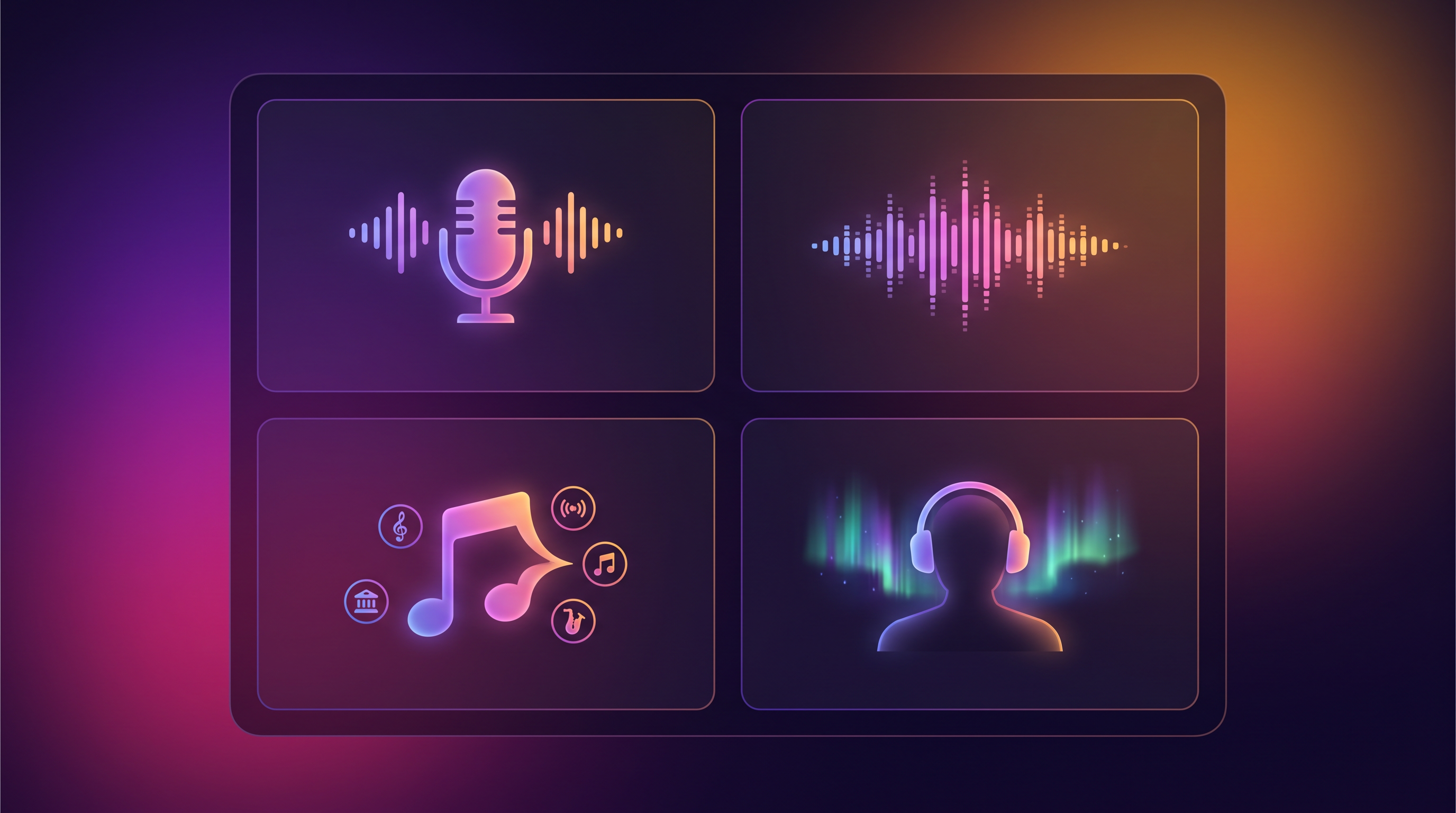
You wrote the song with Aria. The chorus lands, the vibe is right — but the track still needs something: a vocal you hummed into your phone, a longer arrangement for Spotify, a Spanish version for another market, stems for a remix, a duet for social, or a consistent virtual singer for your next three singles. That's what AAiMusic Studio is for. Eight pro tools. One Library. The finishing layer after Aria — not instead of her.
Where Studio fits — the three-layer mental model
Aria — ideas become lyrics and full songs. Conversational, multilingual, every plan.
Studio — iterate on audio you already have: voice-led creation, length, remix direction, stems, duets, language versions, personas.
Visual Studio — cover art, motion loops, music videos.
Most creators start with Aria every time. Studio is the second pass when a track deserves more than one take — or when you're building a global, remix-ready, two-voice, stem-backed catalog from the same source.
All eight Studio tools — what each one does
Voice → Song (Pro/Premier) — Record or upload 15–60 seconds of humming, whistling, or singing. Full arrangement builds around your take. Lyrics optional. When audio comes first, not words.
Extend (Pro/Premier) — Continue a Library track: longer outro, second chorus, bridge energy. Time and structure.
Reimagine (Pro/Premier) — Same song identity, new presentation: vocal swap, genre shift, choir, instrumental, custom direction. Voice, genre, and mood.
Split stems (Pro/Premier) — Vocals vs instrumental. Karaoke, podcast beds, quick acapellas.
Full stems (Premier) — Pro multi-stem separation: drums, bass, vocals, and more. Remix architecture.
Duet (Pro/Premier) — Male and female two-voice versions in one dedicated run. Social hooks, love songs, call-and-response.
Language swap (Premier) — Aria translates lyrics; engine re-sings in 60+ languages. Choose from your Library or upload the track.
Virtual singer (Premier) — Persistent AI voice personas. New songs from lyrics, re-sing Library tracks, roster identity.
Who can use what
Everyone signed in browses every tool page free. Free and Creator see upgrade prompts at Generate. Pro unlocks Voice, Extend, Reimagine, Split stems, Duet. Premier adds Full stems, Language swap, Virtual singer. Each Generate = one song credit (same pool as Aria).
Multilingual by design
Aria writes in your language; Studio keeps it through Extend, Reimagine, Voice → Song, Language swap, and persona re-sings. You're not paying to "unlock Spanish" — you're paying for tools. Language access is platform-wide.
A realistic week across all eight tools
Monday: Aria drafts a pop chorus in French; full track generates. Tuesday: Extend adds outro for streaming. Wednesday: Language swap to English for a collaborator's market. Thursday: Duet on the French master for social. Friday: Split stems on the English version for a podcast bed. Saturday: Full stems on the remix candidate for DAW work. Sunday: Virtual singer re-sings next week's single for roster consistency. Visual Studio polishes art. That's not fantasy — that's one credit per run, one Library, one workflow.
Deep-dive guides
Read the dedicated articles for each flagship tool: Language swap, Split & Full stems, Duet, Virtual singer personas, plus Voice → Song and Extend & Reimagine.
Tips that save credits
Clear style tags every time. One big variable change per Reimagine unless experimenting. Preview Language swap translations before generating. Reopen in-progress jobs instead of duplicating. Listen on phone speakers before burning another credit.
When to upgrade
Pro when you need voice-led demos, longer arrangements, stems, or duets weekly. Premier when Language swap, Full stems, personas, or video complete every release — not as a one-off experiment.
Aria is never replaced
Studio maintenance never blocks Aria or your Library. Studio is pro finishing, not a gate on making music.
Browse the hub. Read the guides. Upgrade when friction is real. Then ship — worldwide, in two voices, with stems, under a virtual singer name listeners might actually remember.
AAiMusic · Your imagination, your music
Keep reading
Related guides
 Studio tools
6 min
Use Your Voice to Sing: AI Voice to Song Generator — Hum to Full Track
Use your voice to sing AI music — record a hum, whistle, or vocal and get a full studio song. Voice to song AI, sing your melody, voice recording to track. Complete Voice → Song guide for AAiMusic Studio.
Read → Studio tools
5 min
Extend & Reimagine AI Tracks: Lengthen and Remix Your Library
Extend songs from your Library or reimagine them with new genre, voice, duet, or mood. Workflow tips for Pro creators using AAiMusic Studio.
Read → Studio tools
4 min
AAiMusic Studio Pricing: Free Preview, Pro Tools & Studio Tier
Who gets Voice → Song, Extend, Reimagine, and Virtual singer — tier matrix, song credits, and why Aria stays available on every plan.
Read →