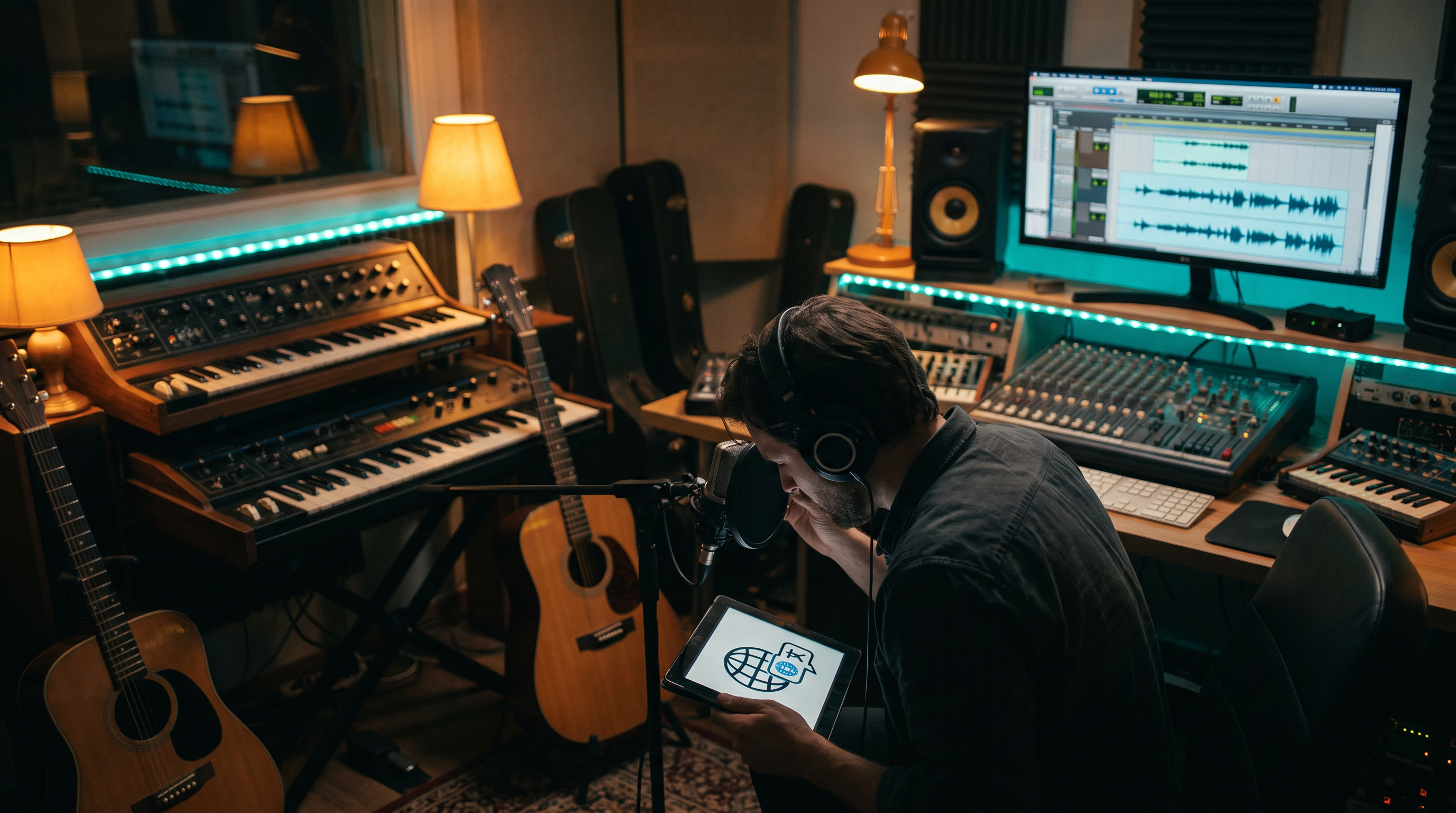
You have a song you love — something from your Library, a demo on your laptop, a track you made anywhere. Your audience in Mexico City wants it in Spanish. Your diaspora listeners in London want a Yoruba version that doesn't feel like Google Translate over a beat. A family member asks for a French version by Friday. Five years ago that meant hiring translators, vocalists, and studio time for every language — or shelving the idea entirely.
Today you can re-sing the same song in a new language in one afternoon.
That's what Language swap in AAiMusic Studio is built for. Not a gimmick. Not a rough demo. A real workflow: choose a track from your Library or upload the audio, let Aria translate the lyrics with singable phrasing and structure intact, then generate a new master that sings in the target language — saved to your Library with cover art, ready to share or distribute.
Your song — saved or uploaded
Both paths start with your music. Library is fastest when the track is already here — lyrics load automatically. Upload is the same song from your files: a demo, a DAW export, an older release. Paste the lyrics, translate with Aria, and generate. Same tool, same re-sing pipeline.
What Language swap actually does
Language swap is a Premier plan tool that combines two powers most platforms keep separate: intelligent lyric translation and AI re-singing. You start from a song you already have — saved in your Library or uploaded from your device. Aria reads your source lyrics and rewrites them for singability: verse and chorus markers preserved, rhymes where natural, phrasing that fits the melody instead of word-for-word stiffness. Then the production engine generates a new vocal performance in that language over a fresh arrangement matched to your song.
The result lands in your Library as its own track — your English (or Portuguese, or Hindi) original stays untouched. One song becomes a multilingual catalog without re-entering prompts from zero.
When one song needs to reach more than one audience
Picture this: your English love song makes your partner cry — but your abuela only fully feels it in Spanish. A TikTok you posted in Lagos gets hundreds of comments asking for a Yoruba version. Your cousin's wedding is Saturday and half the family wants the same dance song in French. You already have a track you believe in. You shouldn't need a translator, a new vocalist, and a studio week for every language.
Language swap takes that finished song and re-sings it in a new language — same emotional arc, new words that actually fit the melody. Aria translates with singable phrasing (not stiff Google Translate). You preview, tweak if you want, generate, and the new master lands in your Library next to the original — with its own cover art, ready to share.
If you're writing a brand-new idea from scratch, start by chatting with Aria first. Language swap is for when you already love the song and want it to travel.
Step-by-step: your first Language swap session
Open Studio → Language swap while logged in. Everyone can browse the workflow; Generate requires Premier plan (one song credit per run, same pool as Aria generations).
1. Choose your song. Pick a track from your Library (lyrics load automatically) or upload the audio file — same song, either path. For uploads, paste the original lyrics in the lyrics field so Aria has material to translate.
2. Choose target language. Use the creation language picker — Spanish, French, Arabic, Japanese, Yoruba, and the full AAiMusic language list. If your account has a preferred creation language, the tool may pre-select it.
3. Translate with Aria. Hit translate (or preview translation before generation). Aria returns lyrics structured for singing — not a paragraph of translated prose. Read them. Edit if you want tighter lines. This preview step saves credits: fix wording before the full re-sing.
4. Generate. Launch the Language swap job. The session runs full-screen like other Studio tools — a few minutes is normal. When it completes, you get audio + cover art persisted to your Library.
5. Listen on real devices. Phone speaker, earbuds, car Bluetooth. Translation that reads well on screen must sound right in the mix. If one line feels awkward, tweak translated lyrics and run again.
When Language swap beats starting a new Aria song
If you're exploring a brand-new idea, start with Aria on Create with Aria — Language swap isn't a replacement for writing from scratch. Use Language swap when:
- You already have a strong master — saved in your Library or on your device — and want regional versions for release or marketing
- The track lives on your phone or hard drive and you want the same melody in Spanish, French, or another language without re-tracking from scratch
- A collaborator's audience speaks another language and you want a credible local version, fast
- You're building a catalog strategy — same hook, multiple language masters
- You wrote in one language but your preferred creation language shifted — swap without losing the melody you loved
Creative workflows that feel like magic
The file on your device. Your English demo is on your laptop — upload it, paste the lyrics, Language swap to Spanish for your family group chat by tonight.
The global single. Release English on day one; Language swap to Spanish and Portuguese week two. Same brand, three versions — whether the track is saved in your Library or uploaded from your files.
The diaspora double. Original in Yoruba for home listeners; English swap for diaspora streaming; both link to listen pages with language-specific social copy.
The celebration sprint. Your cousin's wedding is Saturday and you want a custom dance song in French by Thursday. You already have the English master. Translate, generate, export — no vocalist booking chain.
The remix ladder. Aria song → Extend for length → Language swap for market B → Reimagine instrumental for podcast bed in market A. Each step adds value without throwing away the last.
Language swap vs Reimagine vs Aria — know the lever
Aria — chat and generate new songs from a real idea. Best for first drafts.
Reimagine (Pro/Premier) — same lyrics, new voice/genre/mood. Can include duet direction but doesn't translate.
Language swap (Premier) — new lyrics in a new language, new vocal performance, same song identity. The translation + re-sing pipeline in one tool.
Quality tips that separate amateur from pro
Start from your best take — saved or uploaded — translation won't fix a weak hook. Clear lyrics with [Verse] and [Chorus] markers work best; Library tracks load these automatically, and pasted lyrics work the same way. After translation, read aloud: if you can't sing it smoothly, edit before generating. Keep style tags consistent with the original genre unless you're deliberately shifting (e.g. reggaetón Spanish version of a pop English track). Preview translation before generating — don't burn credits on blind runs.
Credits, tiers, and access
Language swap requires Premier plan. Each generation = one song credit. Free and Creator users can explore the full UI and upgrade when multilingual re-sings become part of their release rhythm. Pro unlocks Voice, Extend, Reimagine, Split stems, and Duet — but Language swap sits with Full stems and Virtual singer on Premier because it's the flagship global expansion tool.
What it feels like when it works
You go from "I wish my family could hear this in Spanish" to "here it is in my Library, with artwork" — often in one session. You're still choosing what ships; you're not hiring a team every time a song deserves another home. Chat with Aria to write. Use Language swap when the song is ready to travel. Share each version with the people who'll actually feel it.
Cover art prompts for Visual Studio Give each language version its own visual story — not a generic globe stock photo. Paste one of these into Visual Studio when you generate cover art for a swapped track:
- "One golden melody ribbon weaving through lyrics in Spanish and English — same heart, two homes — dawn gradient from rose to deep teal, fine art editorial, square album cover, 4K, no readable text."
- "Family celebration at golden hour, generations dancing, speech in different languages dissolving into musical notes in the air, warmth and belonging, cinematic, square cover, no text."
- "Translucent vinyl split into language layers like luminous butterfly wings, champagne and indigo light, macro photography beauty, square 1:1, 4K."
AAiMusic · Your imagination, your music
Keep reading
Related guides
 Studio tools
4 min
AAiMusic Studio Guide: All 8 Pro Tools — Voice, Stems, Duet & Language Swap
Complete guide to every AAiMusic Studio tool — Voice, Extend, Reimagine, Split & Full stems, Duet, Language swap, and Virtual singers. Tier access and how Studio helps you finish your music.
Read → Studio tools
6 min
Use Your Voice to Sing: AI Voice to Song Generator — Hum to Full Track
Use your voice to sing AI music — record a hum, whistle, or vocal and get a full studio song. Voice to song AI, sing your melody, voice recording to track. Complete Voice → Song guide for AAiMusic Studio.
Read → Studio tools
5 min
Extend & Reimagine AI Tracks: Lengthen and Remix Your Library
Extend songs from your Library or reimagine them with new genre, voice, duet, or mood. Workflow tips for Pro creators using AAiMusic Studio.
Read →