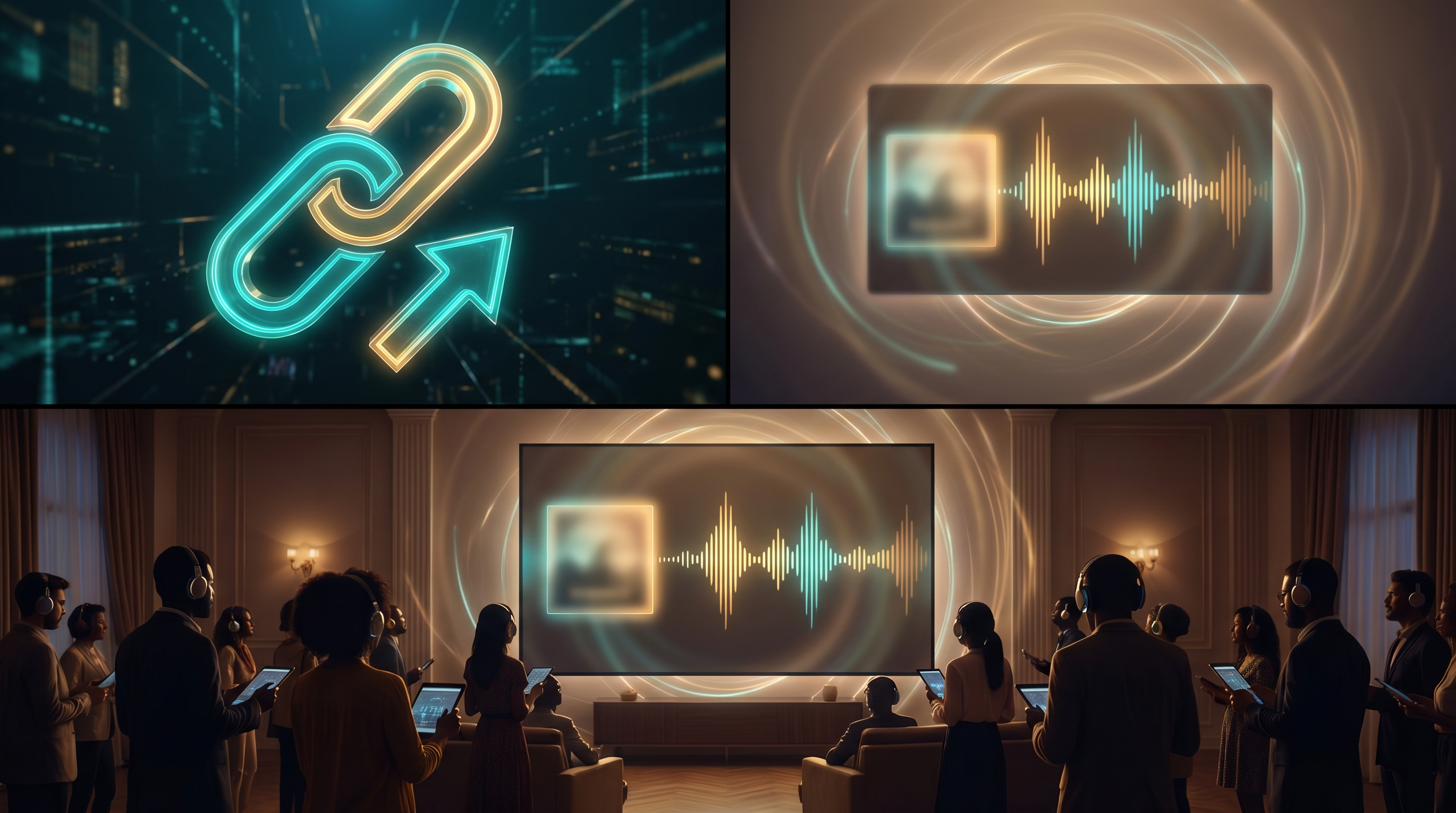
You've finished a track you're proud of—the next puzzle is distribution tactically below album-scale: reviewers who won't install apps, collaborators allergic to attachments, fans asking "where can I hear it?" Public listen links solve that social friction with one URL that showcases waveform, cover art, and contextual credits while keeping lyrics private to your AAiMusic library.
What amplified listen pages deliver Each eligible track can expose a polished listening experience—large-format artwork when provided, interactive waveform scrubbing, and playback controls that work on desktop and mobile browsers without asking listeners to download a file first.
Credits reinforce authenticity: listeners understand AAiMusic as your creative studio layer—Aria framed as assistant for lyric ideas or brainstorming—not replacing authorship. Optional creator display names add a professional touch without turning the page into a contact form.
Privacy controls that respect creators Tracks default Private—library-only playback. When you switch to Public, AAiMusic exposes a stable listen URL (paths look like /listen/ plus your track ID) you can paste into bios, newsletters, pitch decks, or community threads.
Returning to Private stops new visitors from loading that experience—share thoughtfully and preview again after you change visibility, since people may have bookmarked or screenshotted the link.
Choosing Take A vs Take B on the share page Dual-generation jobs sometimes produce two full mixes on one library row. AAiMusic lets you choose Share Take A or Share Take B so the public page plays the mix you want reviewers and fans to hear—without re-uploading files or maintaining duplicate tracks.
Use Preview from the library after changing the take so what you post matches what you heard when comparing takes in your headphones.
Quality assurance before you share widely Open your listen link in a private or logged-out window: confirm cover art looks sharp on a retina display, scrub the waveform to check for clicks at the start, and listen once on phone speakers—many first-time listeners will.
Sharing etiquette Lead with a sentence about the song—for example, a birthday track you made for your sister or a hype song for the big game—instead of dropping a bare URL, especially in cold messages to curators or press.
For collaborators who only need to approve the mix—not edit stems—the listen page is often clearer than emailing attachments that expire or get flagged.
What listen pages are not They are not a replacement for distributing to Spotify or Apple Music—use your distributor when you are ready for streaming royalties and playlist pitching. AAiMusic keeps lyrics off the public page by design; send a lyric PDF separately if someone needs to evaluate words and song together.
Before you hit send Finalize cover art and title so the link presents a coherent package.
If your track has two takes, pick Share Take A or Share Take B to match the story you are telling.
Set visibility to Public, use Preview, then copy the link—listeners get waveform, art, and credits in one place while you stay in control.
AAiMusic · Your imagination, your music
Keep reading
Related guides
 Industry & creators
3 min
AI Music for Indie Artists: Level the Playing Field
Why indie artists are turning to AI music—demos, full releases, and creative freedom without a big budget.
Read → Industry & creators
4 min
AI Music for Content Creators: TikTok, YouTube, Podcasts, and More
How creators use AI-generated music for Shorts, Reels, podcasts, and streams—workflow tips, quality checks, and why original AI tracks beat risky copyrighted clips.
Read → Industry & creators
3 min
AI Instrumentals: Background Music for Videos, Streams, and Projects
Create royalty-friendly instrumental beds with AI—tempo, mood, and genre tags that work for tutorials, games, and ambient content without vocals.
Read →